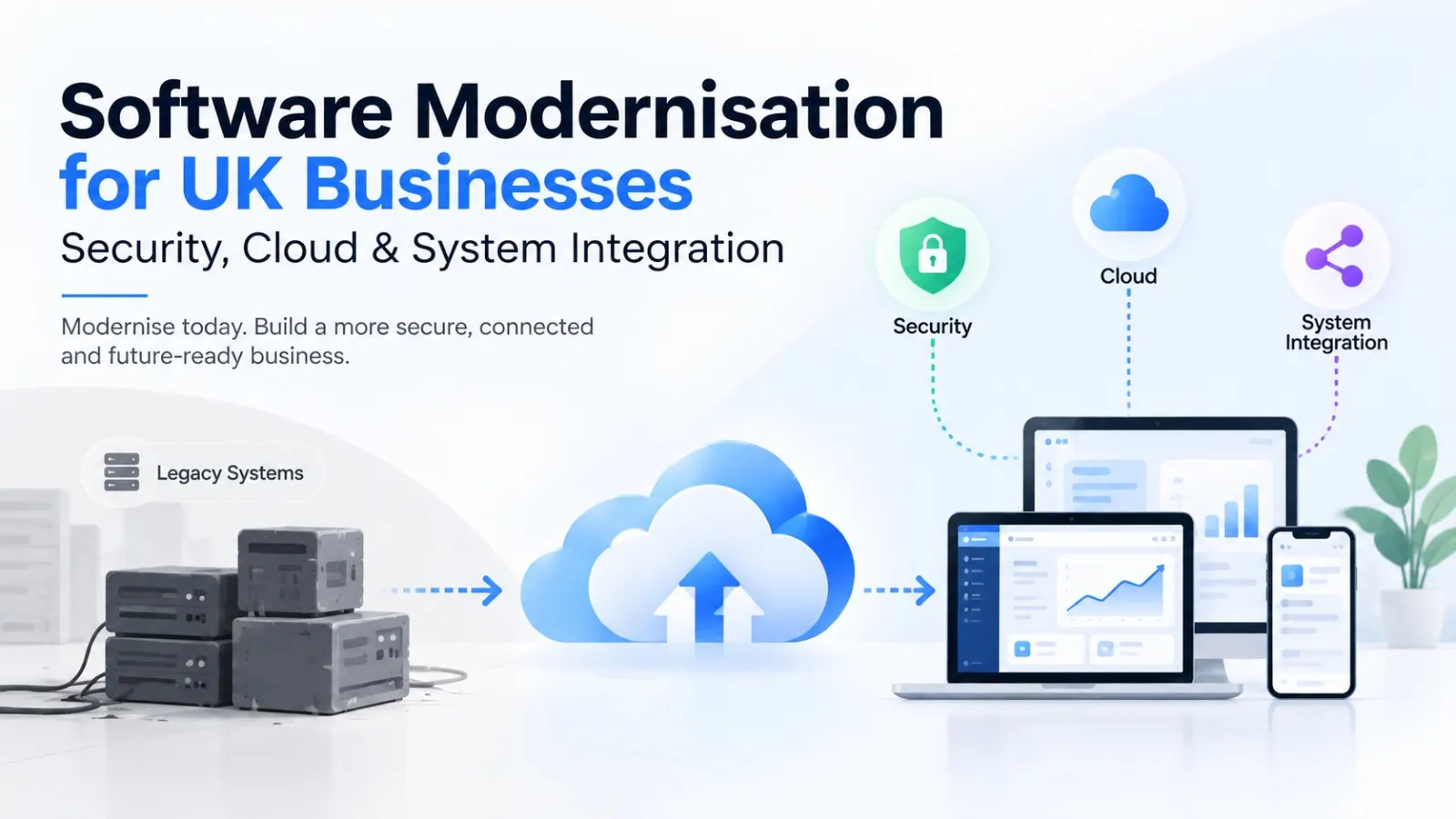
Older software can keep a business running for years, but that doesn't mean it should remain unchanged. As systems age, security risks can increase, integrations become harder to maintain, cloud capabilities remain underused, and even simple changes can require disproportionate technical effort.
Software modernisation UK businesses undertake is about updating ageing applications and technology without automatically throwing away everything that already works. The right approach can involve restructuring existing applications, moving suitable workloads to the cloud, improving security, replacing specific components, modernising integrations or gradually migrating away from legacy systems.
For UK businesses, the priority should be to modernise around clear business outcomes. That means improving security, reliability, scalability and integration while protecting valuable data and avoiding unnecessary disruption.
What Is Software Modernisation?
Software modernisation is the process of updating existing applications, architecture and technology so they can better support current business requirements. It doesn't always mean completely replacing an old application. Depending on its condition and business value, a company may modernise selected components while keeping other parts of the system in place.
A modernisation project can involve:
- Updating outdated application components
- Refactoring legacy code
- Moving applications to cloud infrastructure
- Replacing obsolete technologies
- Introducing modern APIs
- Improving application security
- Migrating data
- Connecting disconnected systems
- Improving scalability and performance
- Rebuilding selected application components
For a UK business, the starting point should be the business problem, not simply the age of the technology. An older system that remains secure, reliable and maintainable may not need immediate replacement, while an application that regularly causes security, integration or operational problems may need attention even if it isn't particularly old. In such situations, Custom Software Development Services UK can be considered when existing software cannot be modernised effectively or when the business needs new functionality designed around its specific workflows and integration requirements.
That distinction makes modernisation a strategic technology decision rather than a simple software upgrade.
Why Do UK Businesses Need Software Modernisation?
Businesses often reach a point where their existing applications no longer support the way they operate. The problem may not be one major failure. Instead, small limitations accumulate over time.
For example, an ageing application may depend on outdated frameworks, require manual data transfers, lack modern APIs or become increasingly difficult for technical teams to maintain. Adding new functionality may then take much longer than expected.
Common signs that a business may need Legacy System Modernisation include:
- Increasing maintenance effort
- Outdated technology dependencies
- Security vulnerabilities
- Poor system performance
- Difficult third-party integrations
- Manual data processes
- Limited scalability
- Inability to support new business workflows
- Lack of reliable documentation
- High dependency on specialist legacy skills
The business impact matters just as much as the technical problem. If an outdated system prevents faster reporting, slows customer processes or makes new digital services difficult to introduce, modernisation can become a business priority.
Assess Your Existing Software
If an ageing application is creating technical or operational limitations, an assessment can help identify what needs to change and what can remain.
Legacy System Modernisation: What Should You Modernise First?
Not every part of a legacy application needs to be modernised at the same time. In fact, attempting to replace everything in one project can introduce unnecessary technical and operational risk.
A more practical Legacy System Modernisation strategy starts by separating the system into components and assessing each one according to business value, technical condition and dependency.
You might find that:
- The database remains reliable but needs better access controls.
- The frontend is outdated while the backend still performs well.
- An old integration needs replacing with an API.
- Certain business rules need to be preserved during migration.
- A reporting component can be moved to a modern platform.
- A high-risk application needs stronger security before other changes begin.
This assessment creates a clearer modernisation roadmap. It also allows the business to prioritise work that addresses the biggest technical or operational constraints instead of spending resources on areas that don't need immediate change.
The goal isn't to make every component new. The goal is to create a technology environment that is easier to secure, maintain, integrate and scale.
Application Modernisation UK: Which Approach Should Businesses Use?
There is no single Application Modernisation method that works for every legacy application. The appropriate approach depends on the application's condition, business importance, architecture and future requirements.
Common approaches include:
Rehosting
The application is moved to a new infrastructure environment with relatively limited changes to the application itself. This can help address infrastructure constraints without immediately redesigning the entire system.
Refactoring
The underlying code is improved without fundamentally changing the application's business behaviour. Refactoring can make software easier to maintain and prepare it for future development.
Replatforming
The application is moved to a newer platform with selected changes that take advantage of improved infrastructure or services.
Rearchitecting
The application architecture is substantially changed to improve scalability, maintainability or integration capabilities.
Rebuilding
A new application is developed to replace an existing system when the legacy architecture is no longer practical to maintain or extend.
Replacing
The business moves away from the existing application and adopts another suitable solution where rebuilding isn't commercially or technically appropriate.
For UK businesses, the decision should consider the application's business value, technical debt, security exposure, migration complexity and expected lifespan rather than automatically selecting the most extensive option.
Cloud Modernisation: When Does Moving to the Cloud Make Sense?
Cloud Modernisation can help businesses improve scalability, infrastructure flexibility and access to modern cloud capabilities, but simply moving an application to the cloud doesn't automatically make it modern.
A direct infrastructure move may preserve the same architectural limitations that existed in the previous environment.
A more thoughtful cloud strategy considers:
- Application architecture
- Workload requirements
- Data storage
- Performance
- Security
- Scalability
- Availability
- Integration
- Infrastructure management
- Ongoing operating costs
Some applications may benefit from a straightforward migration, while others may need architectural changes before they can properly use cloud capabilities.
The business case should therefore focus on the outcome. If moving an application to the cloud doesn't improve its scalability, resilience, operational efficiency or integration capabilities, the migration may simply move an old problem into a new environment.
Is Cloud Migration the Same as Software Modernisation?
No. Cloud migration and software modernisation are related, but they aren't the same thing.
Cloud migration primarily concerns moving applications, data or workloads from one environment to another. Modernisation is broader and can include changes to application architecture, code, integrations, security, infrastructure and functionality.
For example, a business could move an unchanged legacy application to cloud infrastructure. That would be a cloud migration, but the application itself may still have the same outdated architecture and integration limitations.
Modernisation may include cloud migration as one part of a larger programme.
This distinction matters because businesses shouldn't assume that moving an application to the cloud automatically resolves technical debt. Before migration, it is useful to determine whether the application should be rehosted, replatformed, refactored, rearchitected or replaced.
Plan the Right Cloud Approach
Cloud migration is only one part of modernisation. Define the application changes, security requirements and integration needs before deciding how the workload should move.
Software Security Modernisation: How Can Businesses Reduce Legacy Risk?
Security should be considered throughout modernisation rather than added after the application has been rebuilt or migrated.
Older systems can contain outdated dependencies, weak authentication methods, unsupported components or access controls that weren't designed for today's threat environment. Modernisation provides an opportunity to address these issues as part of the architecture rather than treating them as isolated fixes.
A security-focused modernisation plan can examine:
- Identity and access management
- Authentication
- Authorisation
- Encryption
- Vulnerability management
- Secure APIs
- Data protection
- Logging and monitoring
- Dependency management
- Backup and recovery
- Secure deployment
The UK's National Cyber Security Centre recommends integrating security throughout software development and maintaining continual security testing. NCSC secure software development principles.
For businesses handling personal information, privacy should also be considered during system design. UK government guidance recommends making privacy integral to the development process rather than treating it as a late-stage activity. UK Government privacy guidance.
Modernisation should therefore improve the security posture of the overall environment, not simply change the technology underneath it.
System Integration UK: Connecting Legacy and Modern Applications
System Integration UK projects often become necessary when businesses operate a mixture of old and new applications. Replacing every system at once may be unrealistic, so modernisation frequently needs to create reliable connections between existing and modern technology.
For example, a business might have:
Legacy ERP -> API Layer -> Modern Application -> Cloud Database -> Reporting Platform
The integration layer can allow systems to exchange information without requiring every application to be rebuilt simultaneously.
Key considerations include:
- API availability
- Data formats
- Authentication
- Data synchronisation
- Error handling
- Integration monitoring
- Data validation
- System dependencies
- Performance
- Security
This is where API Integration becomes particularly important. Modern APIs can provide a controlled way for legacy applications to communicate with newer services while allowing the broader modernisation programme to progress in stages.
A phased integration strategy can also reduce disruption because the business doesn't need to switch every system at exactly the same time.
What Happens to Data During Software Modernisation?
Data migration is often one of the most sensitive parts of a modernisation project because valuable business information may exist across multiple legacy databases, applications or file-based systems.
Data Migration should therefore be planned before the new application is ready to go live.
A typical process involves:
- Identifying existing data sources.
- Assessing data quality.
- Removing unnecessary or duplicate information.
- Mapping old fields to the new structure.
- Transforming incompatible data.
- Migrating the data.
- Validating the migrated information.
- Testing business workflows.
- Establishing backup and rollback procedures.
The objective isn't simply to move every record into a new database. Businesses should determine which information is still required, how it should be structured and what controls need to apply after migration.
Poorly planned migration can create operational problems even when the modernised application itself works correctly.
Protect Your Data During Modernisation
A modernisation project should improve your technology without compromising the integrity or availability of your business data.
Can Legacy Systems Integrate With Modern Cloud Applications?
Yes, legacy systems can often integrate with modern cloud applications, although the approach depends on the capabilities and limitations of the existing system.
If the legacy application already provides APIs, integration may be relatively straightforward. If it doesn't, businesses may need an integration layer, middleware, database connectivity or another controlled method of exchanging information.
The important consideration is to avoid creating a fragile connection that becomes another technical dependency.
A robust integration should account for:
- Authentication
- Data transformation
- API versioning
- Error handling
- Monitoring
- Security
- Performance
- Failure recovery
This approach allows businesses to modernise gradually. A legacy application can continue supporting an essential business process while newer applications handle areas that require modern functionality.
That can be particularly useful when replacing the legacy platform immediately would create unacceptable operational risk.
How Can Businesses Modernise Without Disrupting Operations?
Business continuity should be part of the modernisation strategy from the beginning. A company shouldn't have to choose between improving its technology and keeping essential operations running.
A phased approach can reduce the risk of a disruptive cutover.
Depending on the application, businesses can consider:
- Running old and new systems in parallel
- Migrating functionality in stages
- Introducing APIs before replacing applications
- Moving lower-risk workloads first
- Using controlled pilot releases
- Performing data validation before cutover
- Maintaining rollback procedures
- Scheduling major changes around operational requirements
The appropriate method depends on the criticality of the application. A system that supports an internal reporting process may allow more flexibility than one responsible for a core customer or operational workflow.
The key is to define how the business will continue operating while each modernisation stage is implemented.
How Should UK Businesses Build a Software Modernisation Strategy?
A successful software modernisation strategy should connect technical changes with measurable business requirements.
Start by creating an inventory of applications and identifying:
- Business purpose
- Technology stack
- Age and condition
- Security exposure
- Integration dependencies
- Data dependencies
- Maintenance effort
- Business criticality
- Scalability limitations
- Future requirements
Next, classify applications according to the action required. Some may be suitable for continued maintenance, while others may require modernisation, migration, replacement or retirement.
Then create a phased roadmap with clear priorities.
A practical roadmap could follow:
Assess -> Prioritise -> Design -> Modernise -> Integrate -> Test -> Migrate -> Monitor
This prevents modernisation from becoming an open-ended technology project and gives stakeholders clear visibility into what will change, why it matters and how the work will progress.
How Much Does Software Modernisation Cost in the UK?
There isn't one standard price for software modernisation because the scope can range from a targeted component upgrade to a complete application transformation.
The main factors affecting software development cost UK businesses may encounter during modernisation include:
- Size of the existing application
- Code quality
- Technology age
- Number of integrations
- Data volume
- Migration complexity
- Security requirements
- Cloud infrastructure
- Testing requirements
- Business continuity requirements
- Required architecture changes
An application with clean, well-documented code may require a very different investment from a poorly documented legacy system with several undocumented dependencies.
The best approach is therefore to assess the existing environment before setting a fixed modernisation budget.
A technical discovery phase can identify the areas that require work and help separate essential modernisation from optional improvements.
What Should Businesses Look for in a Modernisation Partner?
Modernisation requires more than development capability because the work often involves existing systems, business processes, data and technical constraints.
When evaluating a Software Development Company, businesses should look for experience across both modern technologies and legacy environments. A partner needs to understand what can be preserved, what should be changed and how the transition can happen without unnecessary disruption.
Important areas to evaluate include:
- Legacy application experience
- Cloud architecture
- API integration
- Data migration
- Application security
- Modern architecture
- Quality assurance
- Deployment
- Monitoring
- Ongoing support
The partner should also be able to explain the modernisation approach in business terms, not simply recommend replacing technology because it is old.
The strongest proposals should identify dependencies, risks, assumptions, migration stages and expected outcomes before development begins.
How Can Businesses Measure Modernisation Success?
Modernisation shouldn't be considered successful simply because an old application has been replaced or moved to the cloud.
The results should be connected to measurable business and technical improvements.
Useful indicators can include:
- Reduced application downtime
- Faster system response times
- Reduced maintenance effort
- Fewer security vulnerabilities
- Faster deployment cycles
- Improved integration reliability
- Reduced manual data handling
- Better scalability
- Improved monitoring
- Easier future development
For example, if a business modernises an application but still requires the same manual data transfers and experiences the same integration problems, the technical change may not have addressed the underlying business issue.
Define the expected outcomes before the project begins, then measure those outcomes after each major modernisation stage.
Conclusion
Software modernisation is not simply about replacing old technology. For UK businesses, it is about creating a more secure, scalable and connected technology environment while protecting the systems, data and processes that the business still depends on. The right approach may involve refactoring legacy applications, moving suitable workloads to the cloud, strengthening security, improving APIs and integrations, or gradually replacing systems that are no longer practical to maintain.
The most effective modernisation strategy starts with understanding the existing technology environment and identifying the areas creating the greatest business or technical limitations. From there, businesses can prioritise changes, plan migration carefully, protect business continuity and measure whether the modernisation is delivering meaningful improvements.
Meetri Infotech can help businesses evaluate and modernise their software environment with solutions covering custom application development, cloud technologies, system integration and modern software architecture. A structured roadmap can help turn legacy technology into a foundation that is easier to maintain, secure, integrate and scale.
A little more clarity
Frequently asked questions
What is software modernisation?
Software modernisation is the process of updating existing applications, architecture, infrastructure or components so they can better meet current business and technical requirements. It can involve refactoring code, changing architecture, moving workloads to the cloud, improving security, introducing APIs or replacing selected components without necessarily rebuilding the entire application.
Is cloud migration the same as software modernisation?
No. Cloud migration focuses on moving applications, workloads or data to cloud infrastructure, while software modernisation can involve much broader changes to application architecture, security, integrations and code. Cloud migration can form part of a modernisation programme, but moving an unchanged legacy application to the cloud doesn't automatically modernise it.
Should businesses modernise or replace legacy software?
The decision depends on the application's business value, technical condition, security requirements, integration dependencies and expected future use. Modernisation may make sense when the existing system still contains valuable business functionality, while replacement may be considered when the architecture is too difficult or expensive to maintain. A technical assessment can help determine which approach fits the specific application.
How long does software modernisation take?
The timeline depends on the size of the application, technical debt, integrations, data migration, security requirements and whether the business chooses a phased or complete transformation. A targeted component modernisation can be relatively short, while a complex enterprise application involving multiple systems and large-scale data migration can take considerably longer.
Can legacy software be modernised without disrupting operations?
Yes, modernisation can often be performed incrementally to reduce operational disruption. Businesses can use phased releases, parallel systems, controlled migrations, API layers, pilot deployments and rollback procedures. The appropriate approach depends on how critical the application is and how much flexibility the business has during the transition.
What happens to data during software modernisation?
Existing data is assessed, cleaned, mapped, transformed and migrated according to the requirements of the modernised system. Validation and testing are important because incorrect mapping or incomplete migration can affect business operations. A clear migration and rollback plan should be established before production data is moved.
Can legacy systems integrate with modern cloud applications?
Yes. Legacy systems can often connect with modern cloud applications through APIs, integration platforms, middleware or other controlled data exchange methods. The technical approach depends on the capabilities of the existing system. Authentication, data transformation, security, monitoring, error handling and system reliability should all be considered when designing the integration.